In this article8 sections
Most listing photos are edited, and in British Columbia that is fine. The line is misrepresentation: an edit can fix how a photo looks, but it must not change what a buyer would find at the property. BCFSA's advertising guidance says photos must not be altered or enhanced in any way that misrepresents the property, and it expects altered images to be labelled. This guide sorts common edits into routine, label-it and don't-do-it.
The rule behind every edit
Section 41 of BC's Real Estate Services Rules says a licensee must not publish real estate advertising that they know, or reasonably ought to know, contains a false or misleading statement or misrepresentation about the real estate (BC Laws: Real Estate Services Rules). Listing photos are advertising, so the rule covers them.
BCFSA's advertising guidelines apply it to photos directly. Under "photo-enhancing software", licensees are told to use caution so they do not alter or enhance photographs in any way that would misrepresent aspects of the property (BCFSA: Advertising Guidelines). Its guideline on artificial intelligence adds that tools can now remove imperfections, add virtual decor or modernize a space, and that altered and enhanced photos or videos should be labelled so buyers are not misled (BCFSA: Artificial Intelligence Guideline). Rules and guidance as of November 2026.
A useful test for any edit: if a buyer walked in holding the photo, would anything in the room surprise them? If the answer is no, the edit is presentation. If it is yes, it is a misrepresentation, however small it looks on screen.
Routine edits: presentation, not change
These edits make a photo look the way the room looks to someone standing in it. They are part of every professional shoot, and there is nothing to label.
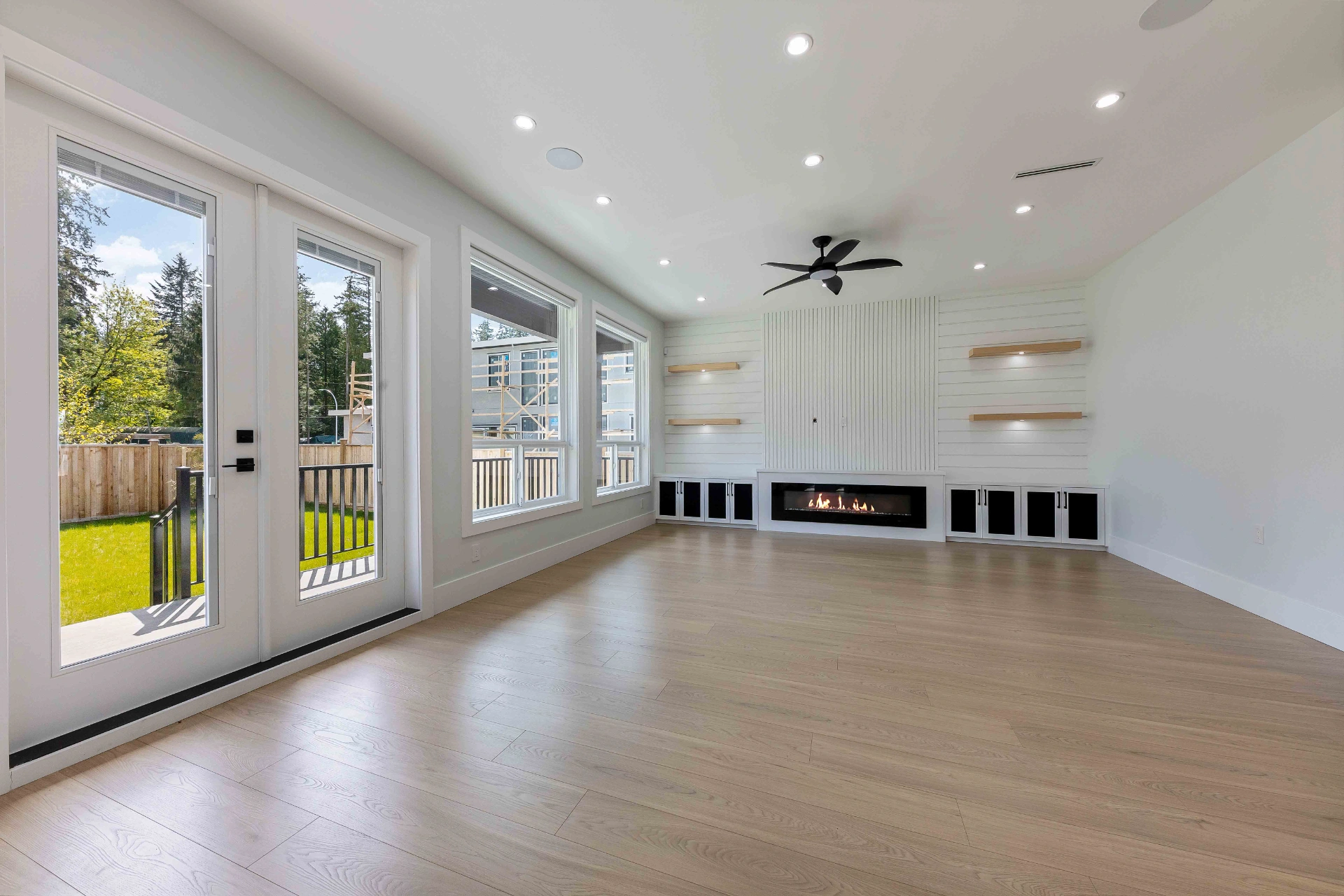
- Exposure and HDR blending. Combining bracketed exposures so the room and the window view are both visible is how the eye sees a bright window. Our guide to HDR vs flash photography explains how that works.
- White balance and colour correction. Removing a yellow cast from mixed lighting so white walls look white.
- Straightening verticals and lens correction. Fixing converging walls and wide-angle distortion so rooms are not bent.
- Cropping. Fine, as long as the crop is not there to hide something next to the frame that a buyer would care about.
- Removing temporary items. A garbage bin left at the curb, a car parked in the driveway for the shoot, a cord across the floor, the photographer's reflection in a mirror. None of these come with the home.
Edits to label: altered, but honest when disclosed
Some edits add something that is not physically there. They can be useful, but only with a clear label wherever the image appears, including MLS, the property webpage, social posts and print.
- Virtual staging. Furniture added to an empty room. BCFSA's AI guideline names it as an example of an altered photo to label. Leave an unstaged version in the gallery. Our guide to virtual staging done right covers which rooms to stage and how to caption them.
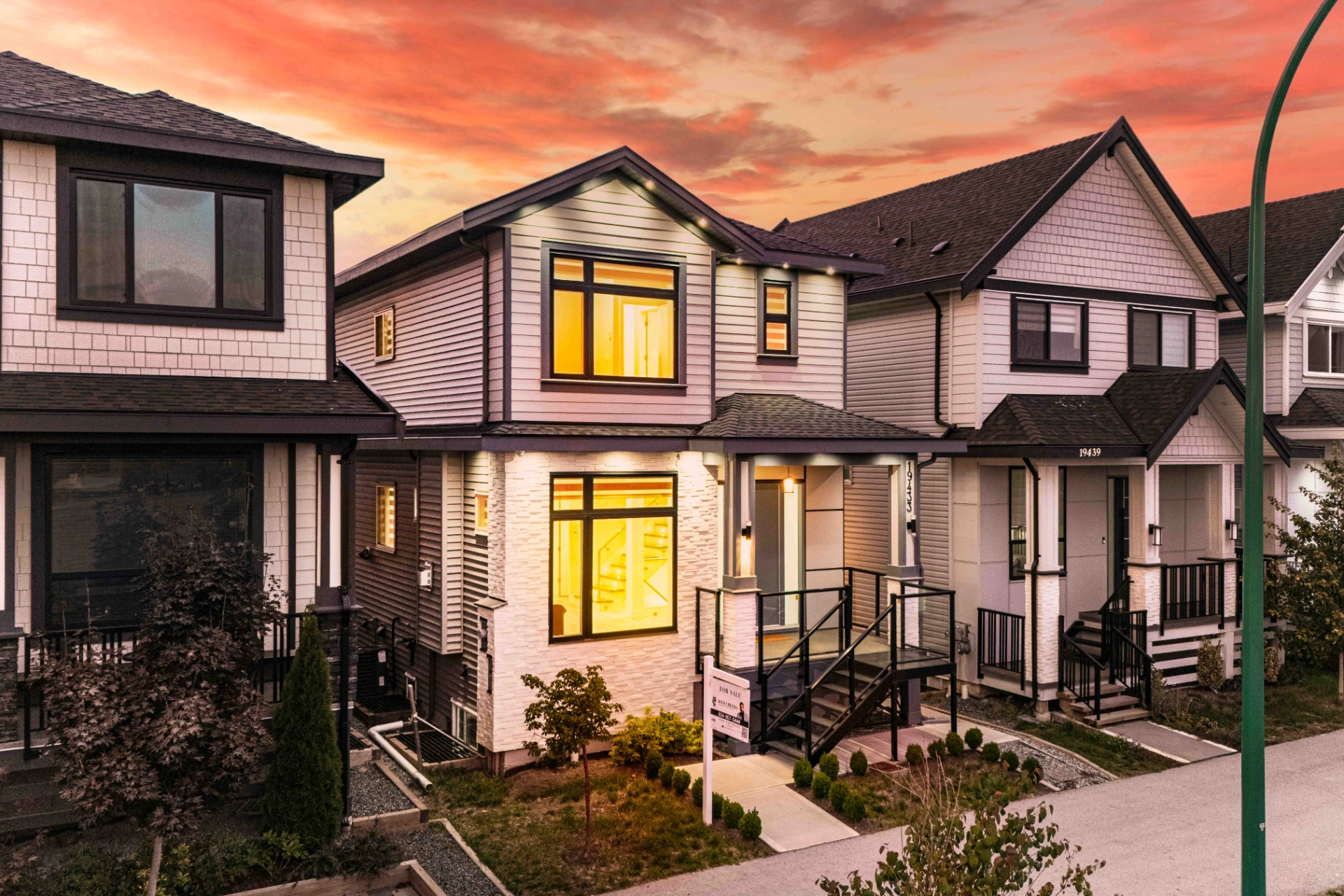
- Day-to-dusk conversion. A daytime exterior edited to look like twilight. The house is the same, but the scene was not photographed that way. A real twilight shoot, photographed at dusk, needs no label.
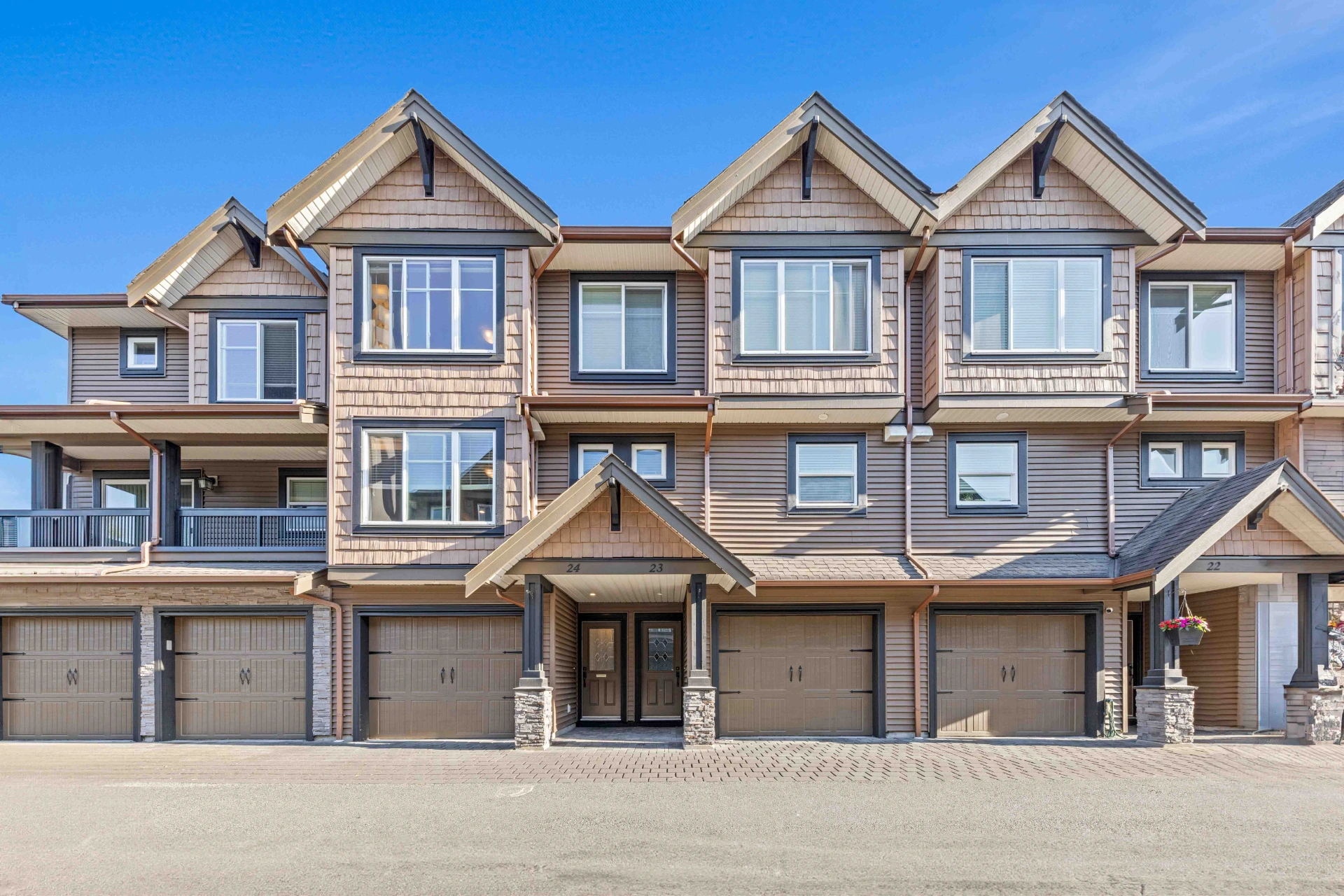
- Sky replacement. Swapping a flat grey sky for a blue one does not change the property on its own. Labelling it, or keeping it subtle, avoids suggesting a season or light the home never had. When in doubt, label it.
- Virtual renovation. Showing a room with new paint or flooring as a "what it could be" concept. This is the riskiest of the label-it group. Keep the real photo first and mark the concept clearly as a rendering of possible changes, not the current condition.
A short caption works well: "Virtually staged", "Digitally converted to dusk" or "Concept rendering, not current condition". Put it on the image itself or directly beside it, not only at the end of the description.
Edits not to make
These change what a buyer would find at the property. A label does not fix them, because the photo is still showing something that is not there.
- Removing permanent features, such as power lines, a transformer box, a neighbouring building, a cell tower or a busy road beside the lot.
- Hiding defects, such as water stains, cracks, damaged siding, worn flooring or a failing deck.
- Changing or inventing views. Adding mountain or water views, removing the tower next door, or making a view wider than it is from that window.
- Changing the land. Painting a dead lawn green, adding trees or hedges, or making a lot look larger, flatter or more private than it is.
- Changing finishes or fixtures so they look newer or better than the real ones, then presenting the image as the current home.
The same applies to video and 3D tours. A tour is advertising too, and the same section 41 test applies to every frame.
Who is responsible
BCFSA's rules apply to licensees, so the listing agent carries the responsibility for what is published, even when a photographer or an editing app made the change. In practice that means three things:
- Ask for edits in writing, and say which ones should be labelled.
- Check the final gallery against the property before it goes live, especially exteriors and views.
- Keep the originals. If a buyer or the regulator asks what changed, you can show the unedited file.
Your brokerage may have a stricter policy on labels and AI tools. Follow whichever rule is tighter.
How this looks on a real listing
Picture a Vancouver condo on a grey November day. A routine edit set balances the window so the street and the trees outside are visible, corrects the white balance, straightens the verticals and removes a tripod reflection. A label-it set adds virtual staging to the empty second bedroom, captioned and paired with the empty version. What stays out: removing the building across the lane or brightening the view beyond what the window shows.
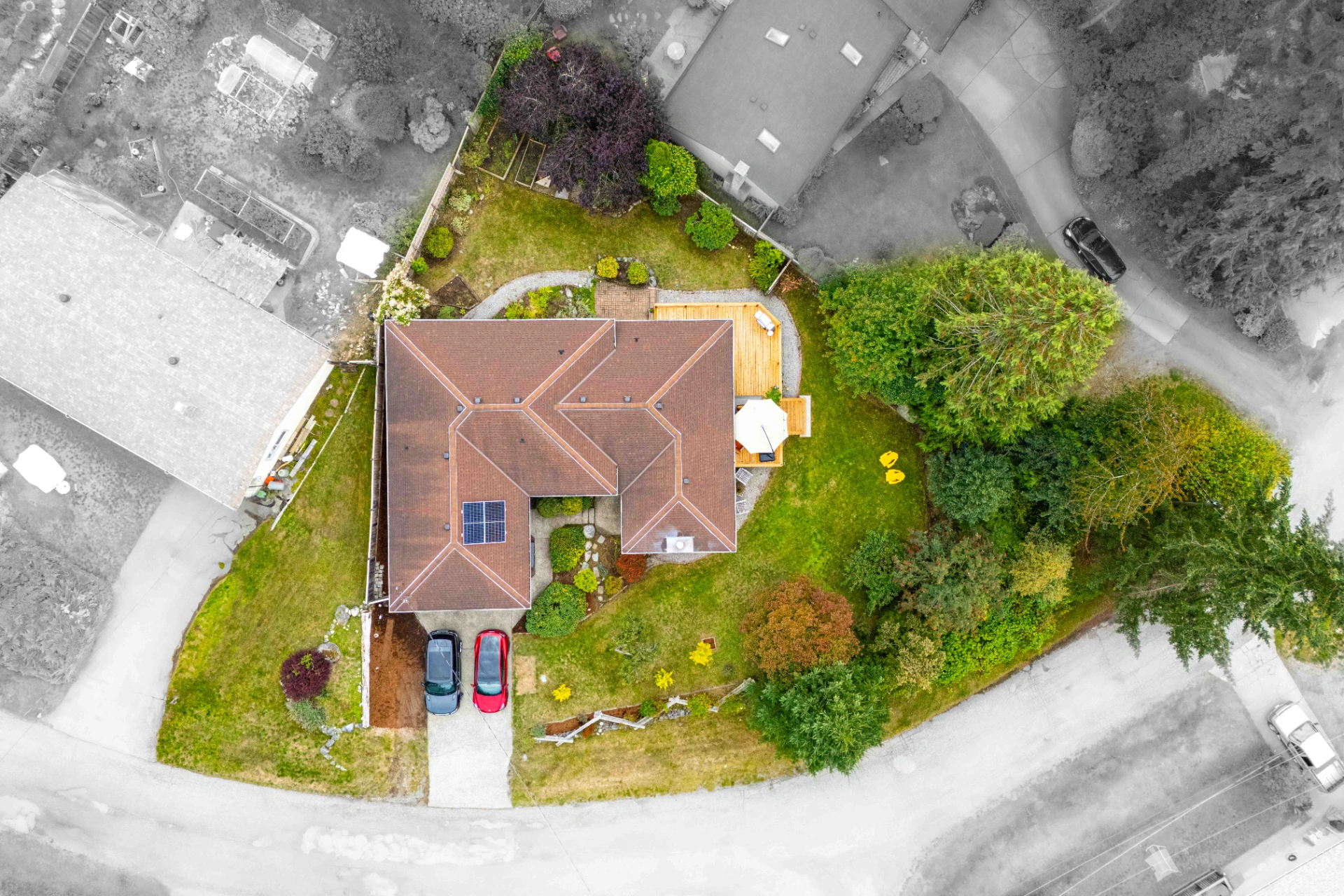
For a detached house in Burnaby the questions are similar. Removing the recycling bins and the photographer's car is routine. Swapping the sky is a judgment call, so label it. Removing the overhead power lines along the lane, or greening a patchy summer lawn, misrepresents the lot and should not be done.
If you are listing in either city, the Vancouver and Burnaby pages cover local shooting conditions.
A quick pre-publish check
Before photos go to MLS, run through this list:
- Does every photo show the property as a buyer will find it?
- Is every staged, converted or rendered image labelled on or beside the image?
- Is an unedited version of each staged room in the gallery?
- Are views, lot lines, landscaping and neighbouring buildings shown as they are?
- Do the same labels appear on the property webpage, social posts and print?
- Do you have the original files saved?
Booking photos that need fewer edits
The less a photo has to be fixed later, the less there is to label. Plan the shoot for good light, clear the driveway and the yard beforehand, and book a real twilight session when the exterior needs it. See services for what each shoot includes and pricing for packages and add-ons, then book online.
Further reading

Written by
RealtyShot
Real estate photography, 3D tours, drone and video for agents across Metro Vancouver. Based in North Vancouver and shooting from Vancouver to the Fraser Valley for 5+ years.
Book with RealtyShot
Ready to book your shoot?
Pick a package or individual services, choose a time and get an instant price in the booking portal.
Packages from $299
30% OFF30% off for everyone, extra 20% on your first order 604-600-1317